Download PPSSPP for PC (v1.18.1) – Gold Version for PSP Games”
Download and play PSP games on your computer with the best free emulator. Experience HD graphics, smooth performance, and enhanced controls.
Table of Contents
1.What is PPSSPP for Pc
2.System requirements
3.How to doenload PPSSPP?
4.Installation and Setup
5.Best setting for Smooth Gameplay
6.Features of PPSSPP for PC
7.Best PSP Games to play
What is PPSSPP for PC?
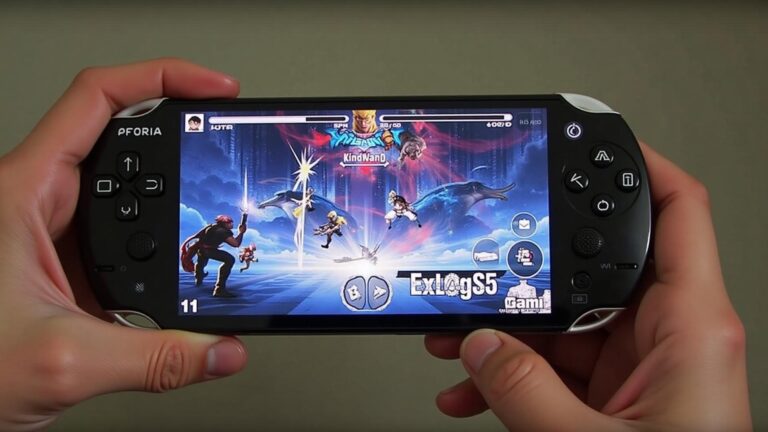
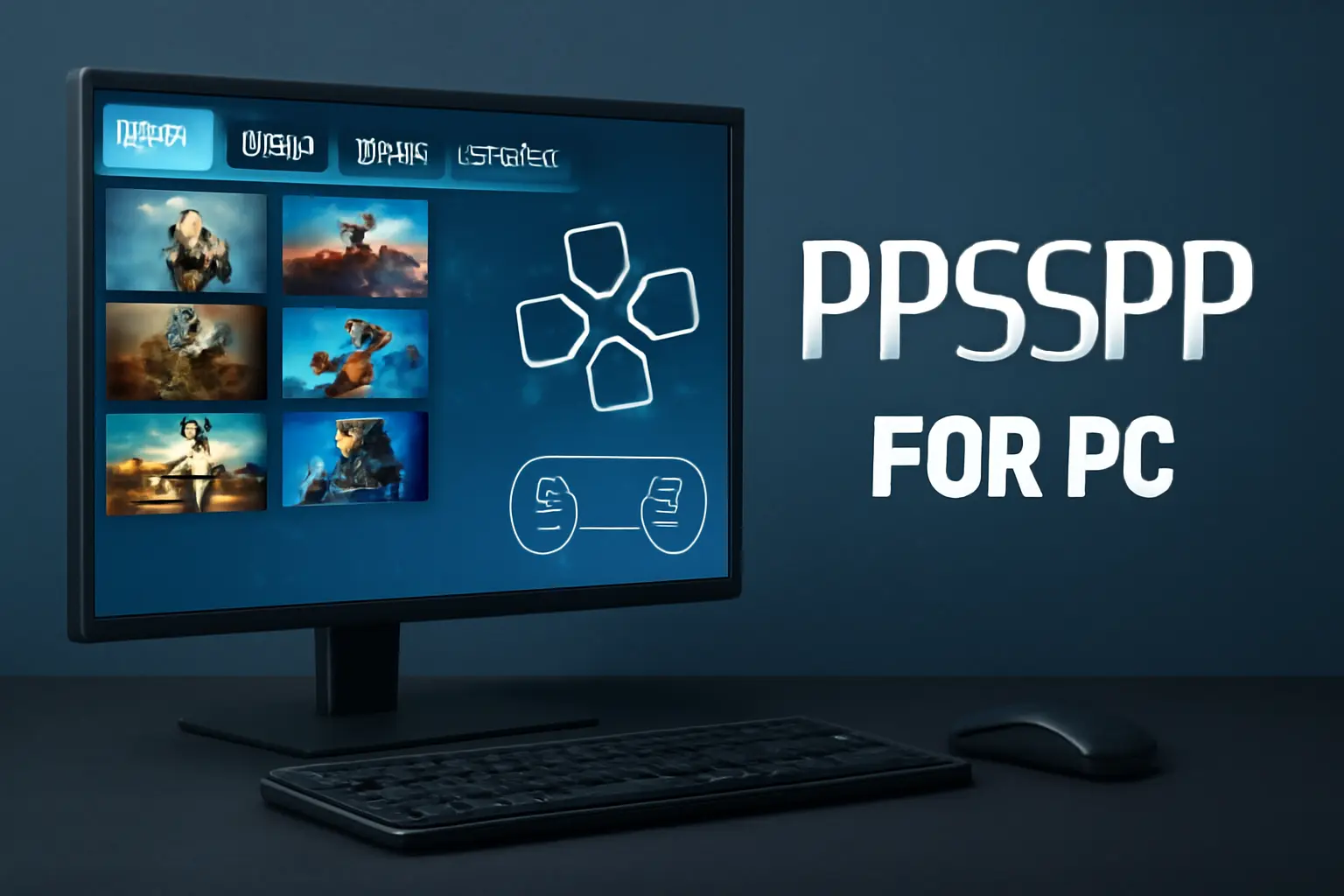
PPSSPP for pc is a PlayStation Portable emulator developed by Henrik Rydgård. It lets you play PSP games in HD resolution. The PC version is optimized for better graphics, customizable controls, and advanced settings.
Main benefits:
-
HD Resolution
Run PSP games on a computer with higher resolution
-
Save States
Save and load game progress anytime
-
External Controllers
Use external controllers for better gameplay
-
Full Screen
Play games in full screen without lag
System Requirements for PPSSPP on PC
Before installing, make sure your PC meets these requirements:
Minimum requirements
- OS: Windows 7 or later
- Processor: Dual Core 2.0 GHz
- RAM: 2 GB
- GPU: DirectX 9 compatible
Recommended requirements
- OS: Windows 10 or 11
- Processor: Quad Core 2.5 GHz or higher
- RAM: 4 GB or more
- GPU: DirectX 11 or OpenGL 3.0 support
How to Download PPSSPP for PC
Follow these steps:
- Open the official PPSSPP website.
- Choose the version for Windows, Mac, or Linux.
- Download the latest PPSSPP installer.
- Extract the files if needed.
- Run the installer and complete setup.
For Windows, you can use either the portable or installer versions. The portable version does not need installation, just extract and run.
How to Install and Set Up PPSSPP for PC
- Open the PPSSPP application after installation.
- Click on File and choose the PSP game ISO or CSO file.
- Adjust settings according to your PC’s performance.
- Set controls from the settings menu or connect a game controller.
- Start playing your PSP game.
Best Settings for Smooth Gameplay
To avoid lag or stuttering, adjust these settings:
- Graphics:
- Enable frame skipping if your PC is slow.
- Rendering:
- Use Direct3D 11 or OpenGL for better performance.
- Audio:
- Lower latency for clear sound.
- Controls:
- Map keyboard or controller for comfort.
- Save states:
- Use save and load for quick progress.
Features of PPSSPP for PC
- HD graphics support:up to 4K resolution.
- Customizable screen layout:Adjust screen layout to your preference
- Cheats and modes Support for game cheats and modifications.
- Multiplayer formats:Works with many PSP game formats.
- Multiplayer support:Local network multiplayer gaming
Best PSP Games to Play on PC
Popular PSP games that run perfectly on PPSSPP for PC:
- God of War: Chains of Olympus
- God of War: Ghost of Sparta
- Tekken 6
- Naruto Shippuden Ultimate Ninja Impact
- Dragon Ball Z Shin Budokai
- GTA: Vice City Stories
- Need for Speed: Most Wanted
- Persona 3 Portable
PPSSPP Gold APK vs PPSSPP PC
PPSSPP Gold APK
- • For Android devices
- • Paid version with extra features
- • Optimized for mobile gameplay
- • Touch controls support
PPSSPP for PC
- • Completely free to use
- • Better performance with PC hardware
- • HD graphics and controller support
- • Advanced customization options
Common Issues and Fixes
Game not loading
Check if the ISO file is valid and not corrupted
Lag and stutter
Reduce resolution and enable frameskipping
Audio issues
Change the sound backend from settings
Crashes
Update graphics drivers and PPSSPP version
Is PPSSPP for PC Safe
Yes, PPSSPP for PC is safe if downloaded from the official website. Do not use third-party modified versions because they may contain harmful files. Always download PSP game ISOs legally.
Conclusion
PPSSPP for PC is the best way to relive PSP gaming on a bigger screen. It offers HD graphics, smooth performance, and a wide range of customization options. If you are a fan of PSP classics, install PPSSPP on your computer and enjoy lag-free gaming today.